

How do you select what type of songs are played on your radio station and where?
Music is one of the most divisive areas of radio programming. Everyone has a view of what the station should be playing and you can almost never please everyone! This article isn’t going to address that, but I do want to give you some thoughts about how you structure your playlists.
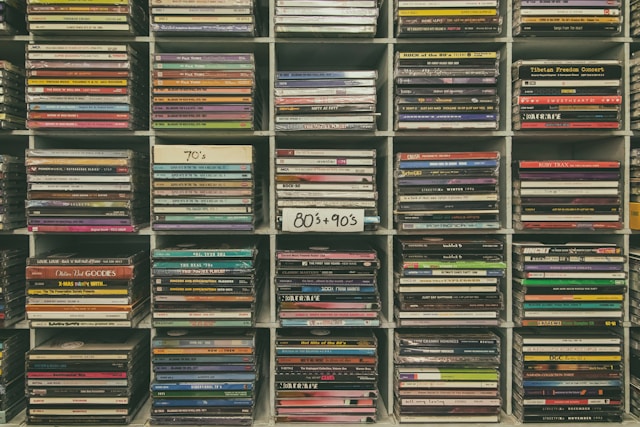
Unless your station focuses on specialist music, or is decade specific it’s likely that eras/decades play a key role in how the music rotations are put together.
A station that plays a broad mix of music, as many community radio stations do, typically uses scheduling software or the capabilities within their playout system to create playlists with a fairly even mix of eras.
But is this scheduling relying on decade-based categories so that your programme clocks pick, for example, an 80s song, then one from the 90s, a seventies hit, a current, etc.?
While this was the standard approach for commercial radio for a long time, it’s not the best structure today, given the large number of pop music eras we can now include, and how people would listen to music if they were choosing it themselves (as seen on streaming services like Spotify).
When I took over at Andover Sound in 2008 I wanted to prioritise the songs that were the best from across eras rather than when they were a hit.
At the time, the music scheduling software had a common setup with decades and levels; an 80s Level 1 would be the biggest songs from that decade with Level 2 and Level 3 being spicier (or perhaps just not a s good!)
We also had this structure for 60s, 70s, 90s, and a current/recurrent category that included songs from the last decade (there was a reason for this last bit relating to the Ofcom licence which I might come back to another time!)
So there were 13 main categories of songs in daytime rotation – unlucky for some! I cut it down to four including two new currents categories, the A and B list,
For the classic songs that made up the bulk of what was played, I separated songs into Core and Spice categories. Core were the biggest songs from across the decades, while Spice were the lesser known hits or ones that you wouldn’t want to play all the time.
There were rules set up in the scheduler to ensure a good spread of decades and some songs were designated as ‘openers’ (the ones that would follow news bulletins or ad-breaks) but that was essentially a simple structure.
A typically hour might have looked like this:
- CORE
- CORE
- A LIST
- CORE
- SPICE
- Ads
- CORE
- CORE
- B LIST
- CORE
- SPICE
- Ads
- CORE
- CORE
- A LIST
- CORE
- SPICE
As you can see, most of the songs were from the CORE category with just three SPICE tunes per hour. You’ll also see that whenever there is a potentially less familiar song (including A & B currents and Spice) that it is ‘protected’ by a Core to ensure that you are never far from a big hitter!
Managing two main categories is far easier than juggling multiple levels for each decade and puts the emphasis firmly on song quality rather than era. All songs still have their decades marked on song cards for rotation purposes and to allow for scheduling features or shows that are decade based.
Your programme hours might not look exactly like the example I have given as you may have more/less speech or breaks for example, but by using your Core songs as the framework and Spice and Currents within that is a simple and effective music programming policy.